
Never lose a sale to an unavailable product again
Reroute automatically shows customers alternative products they can buy — right on your product pages.
Free plan available · No credit card required
Six Reasons to Recommend
Choose from six recommendation types to guide customers to the right product, every time.
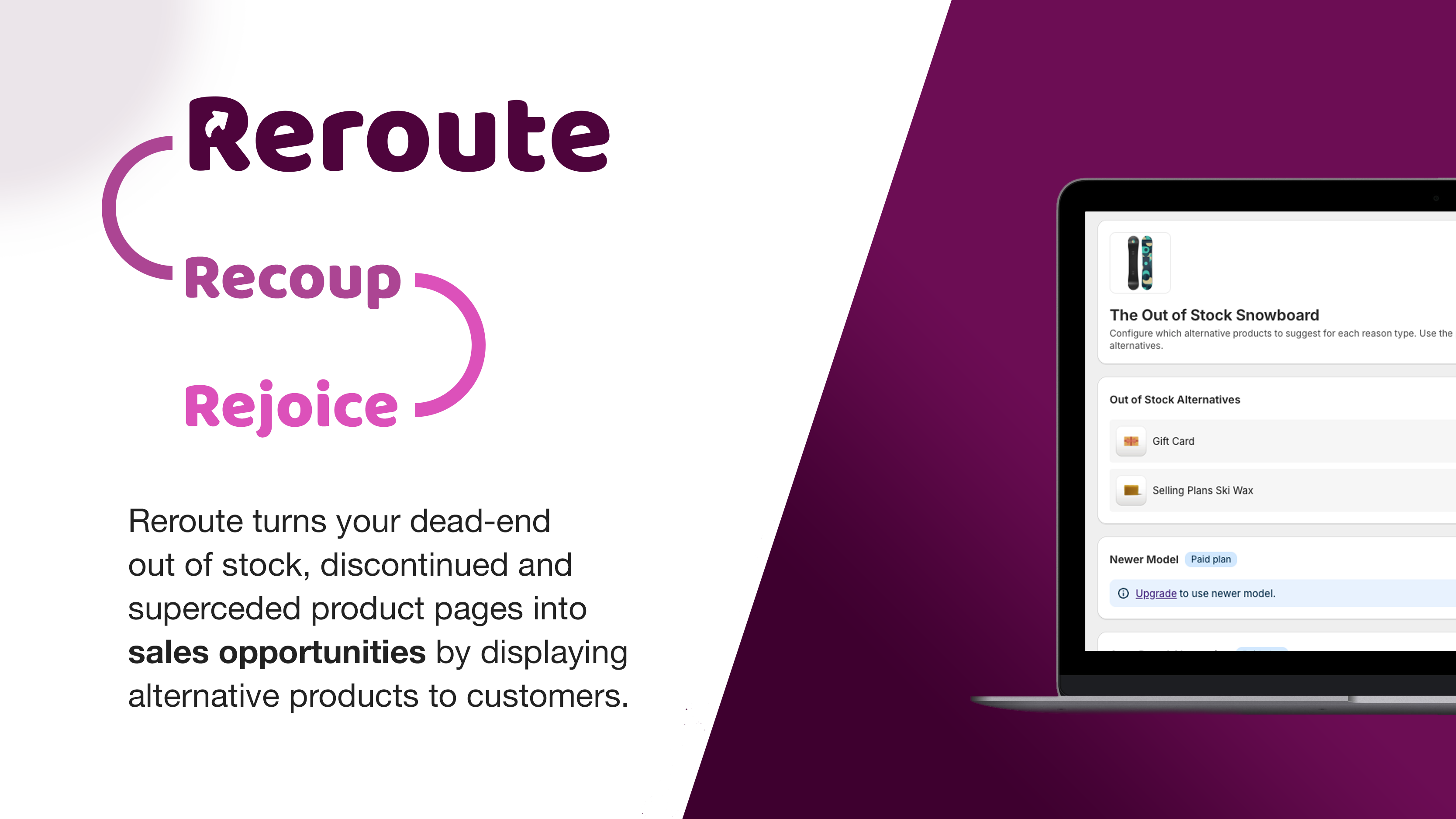
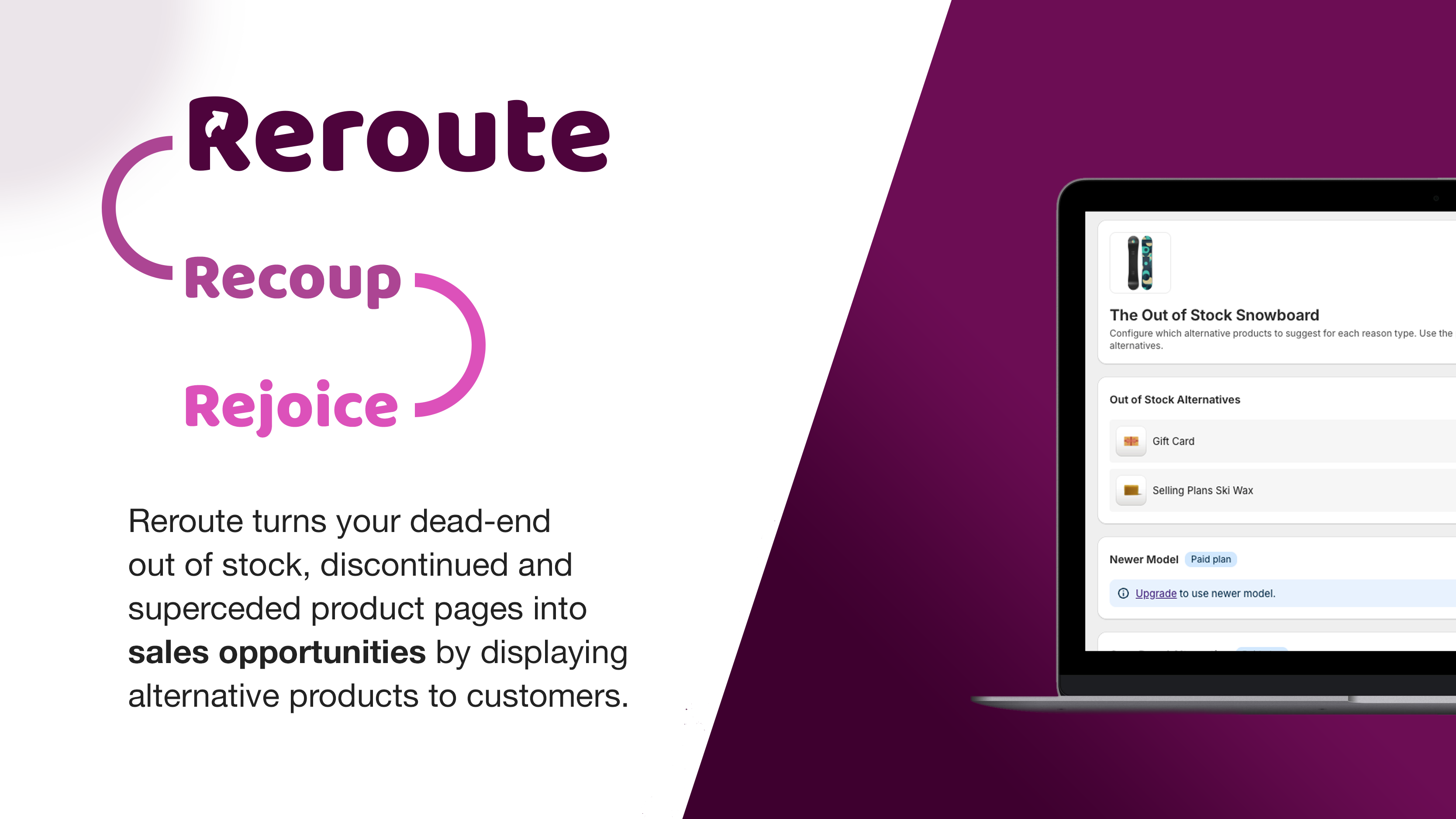
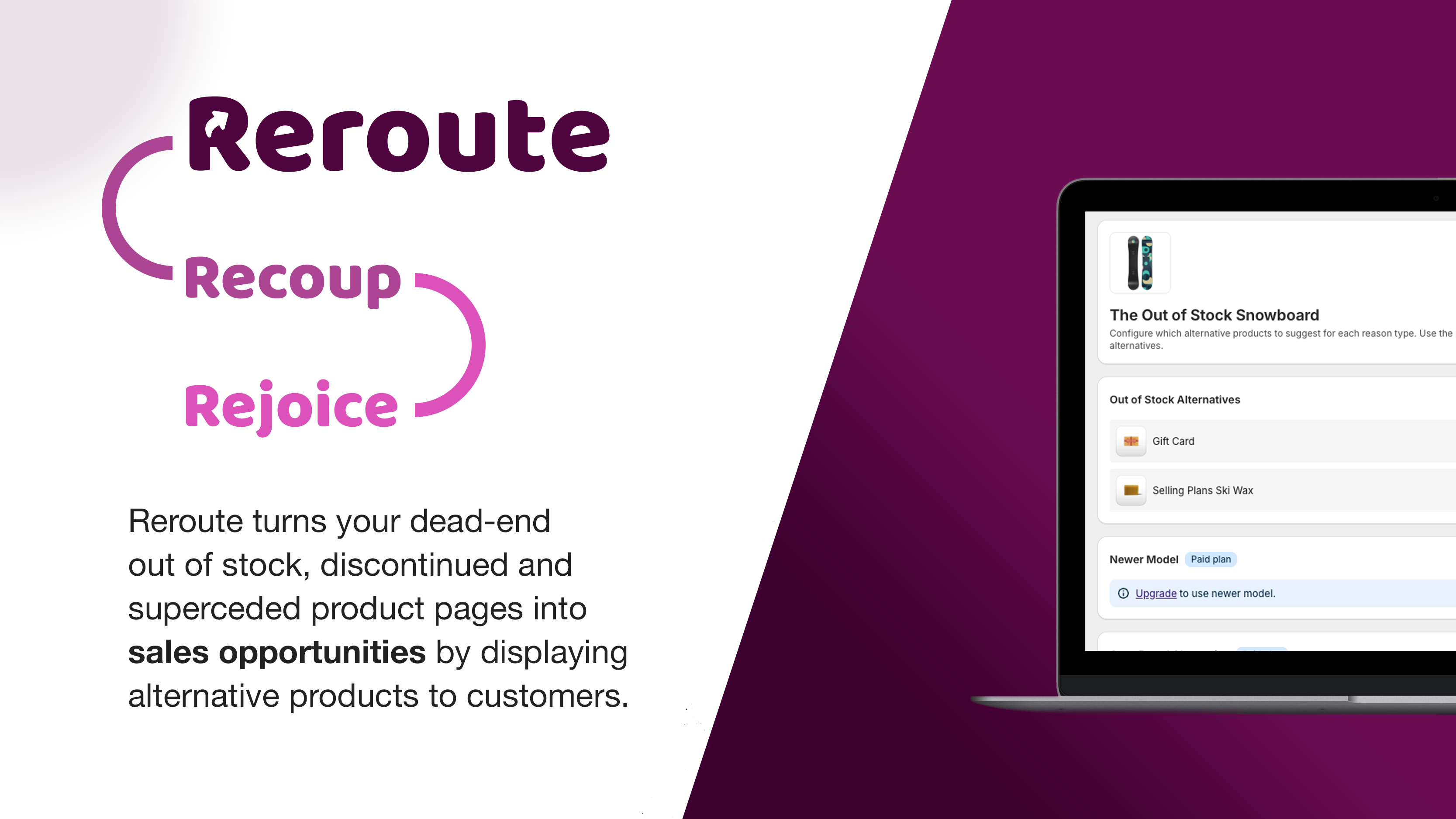
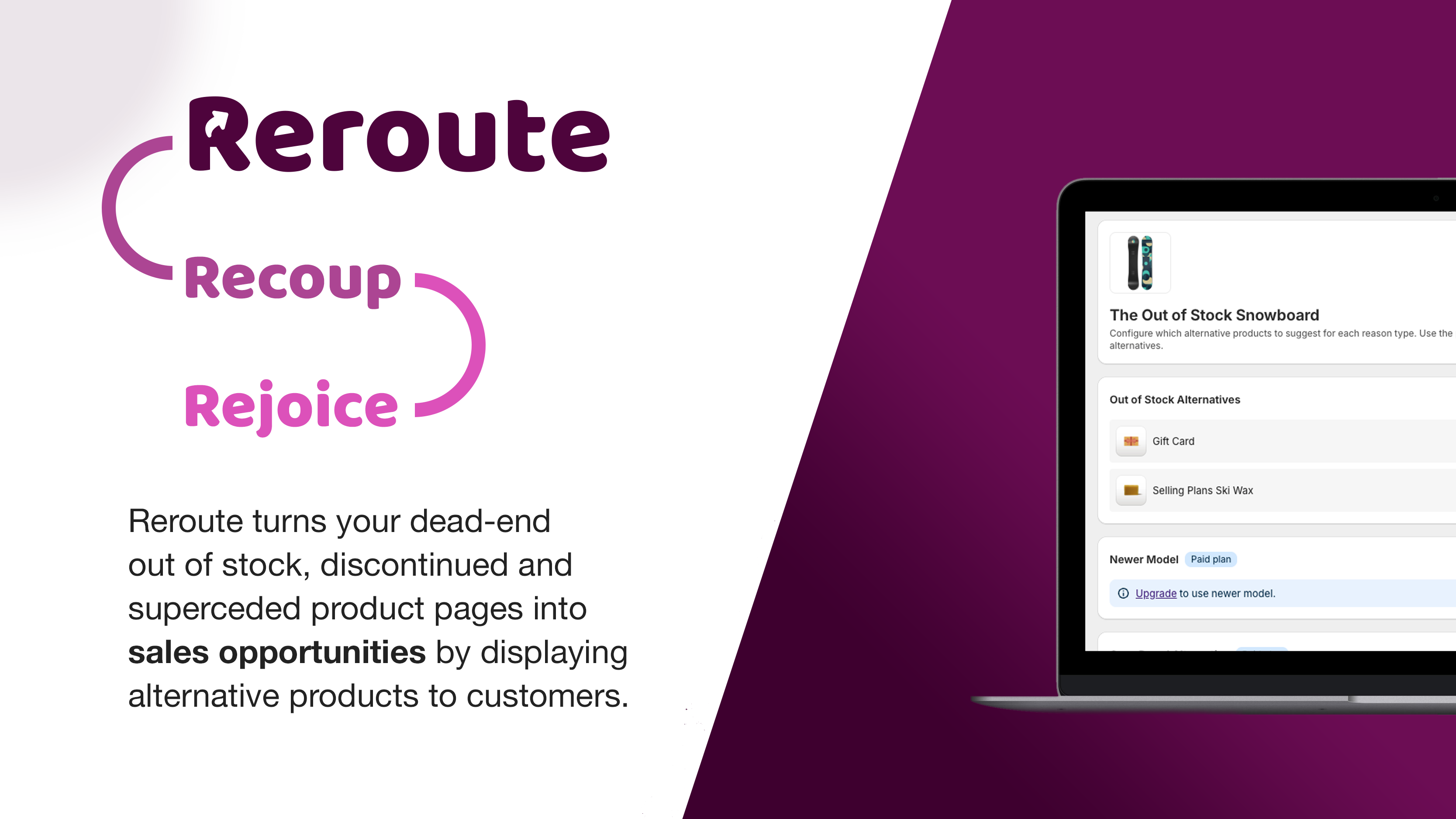
Out of Stock
Redirect customers to available alternatives when a product sells out. Never lose a potential sale.
Newer Model
Point shoppers to the latest version when they land on an older product page.
Own Brand
Promote your own-brand alternatives over third-party products to boost margins.
Similar Products
Suggest closely related items so customers always find what they need.
Discontinued
Guide customers away from end-of-life products toward current replacements.
Graded Stock
Cross-promote open-box and B-stock units to bargain hunters, or upsell graded shoppers to box-fresh new.
How It Works
Get up and running in minutes with a simple three-step setup.
Install
Add Reroute to your Shopify store in one click.
Map Products
Set up alternative recommendations — manually or automatically.
Convert
Customers see relevant alternatives and keep shopping.
Flexible Display Options
Choose how alternative products appear on your store — from subtle inline blocks to attention-grabbing popups.
Inline Block
Appears seamlessly within the product page, matching your theme's look and feel.
Popup Modal
Grabs attention with a centered overlay, perfect for high-priority redirects.
Choose your layout
Simple, Transparent Pricing
Start free and upgrade as you grow. No hidden fees.
Starter
- 10 products
- Out of stock reason only
- Manual + auto recommendations
- Inline block display
Growth
7-day free trial
- 100 products
- All 6 reason types
- Manual + bulk mapping
- All display options
- Analytics dashboard
Unlimited
7-day free trial
- Unlimited products
- All features
- Priority support
- Custom CSS overrides
- API access
View full feature comparison
| Feature | Starter | Growth | Unlimited |
|---|---|---|---|
| Products | 10 | 100 | Unlimited |
| Out of Stock reason | ✓ | ✓ | ✓ |
| Newer Model reason | — | ✓ | ✓ |
| Own Brand reason | — | ✓ | ✓ |
| Similar Products reason | — | ✓ | ✓ |
| Discontinued reason | — | ✓ | ✓ |
| Graded Stock reason | — | ✓ | ✓ |
| Auto recommendations | ✓ | ✓ | ✓ |
| Bulk mapping | — | ✓ | ✓ |
| Inline block display | ✓ | ✓ | ✓ |
| Popup modal display | — | ✓ | ✓ |
| All layouts (list, grid, carousel) | — | ✓ | ✓ |
| Priority support | — | — | ✓ |
Frequently Asked Questions
Everything you need to know about Reroute.
Is there a free plan?
Yes! Our Starter plan is completely free and lets you set up alternative recommendations for up to 10 products. No credit card required.
How do I set it up?
Install Reroute from the Shopify App Store, then use our admin dashboard to map products to their alternatives. You can set them up manually one-by-one, or use our automatic recommendation engine to bulk-assign alternatives.
Does it work with my Shopify theme?
Reroute is designed to work with all Shopify themes, including Online Store 2.0 themes. The recommendation block automatically adapts to your theme's styling, and you can further customise it with CSS overrides.
Can I customise the appearance?
Absolutely. Choose from multiple display modes (inline block or popup), layouts (list, grid, or carousel), and fine-tune colours, fonts, and spacing to match your brand. Growth and Unlimited plans include full CSS override support.
What happens when my product comes back in stock?
Reroute automatically detects when a product is back in stock and hides the alternative recommendation. Your customers only see suggestions when they're relevant.
Do you support multiple languages?
Yes. Reroute supports Shopify's multi-language features and works with translation apps. All customer-facing text can be customised in your admin dashboard.
Is there a free trial?
Our Growth and Unlimited plans both come with a 7-day free trial. You can try all features risk-free before committing. The Starter plan is free forever.
How does billing work?
Billing is handled directly through Shopify, so charges appear on your regular Shopify invoice. You can switch between monthly and annual billing at any time, and cancel whenever you like.